ECOVACS X2 COMBO Robot Vacuum and Mop
🌀 DEEBOT X2 COMBO Robot Vacuum & Mop – All-in-One Smart Cleaning
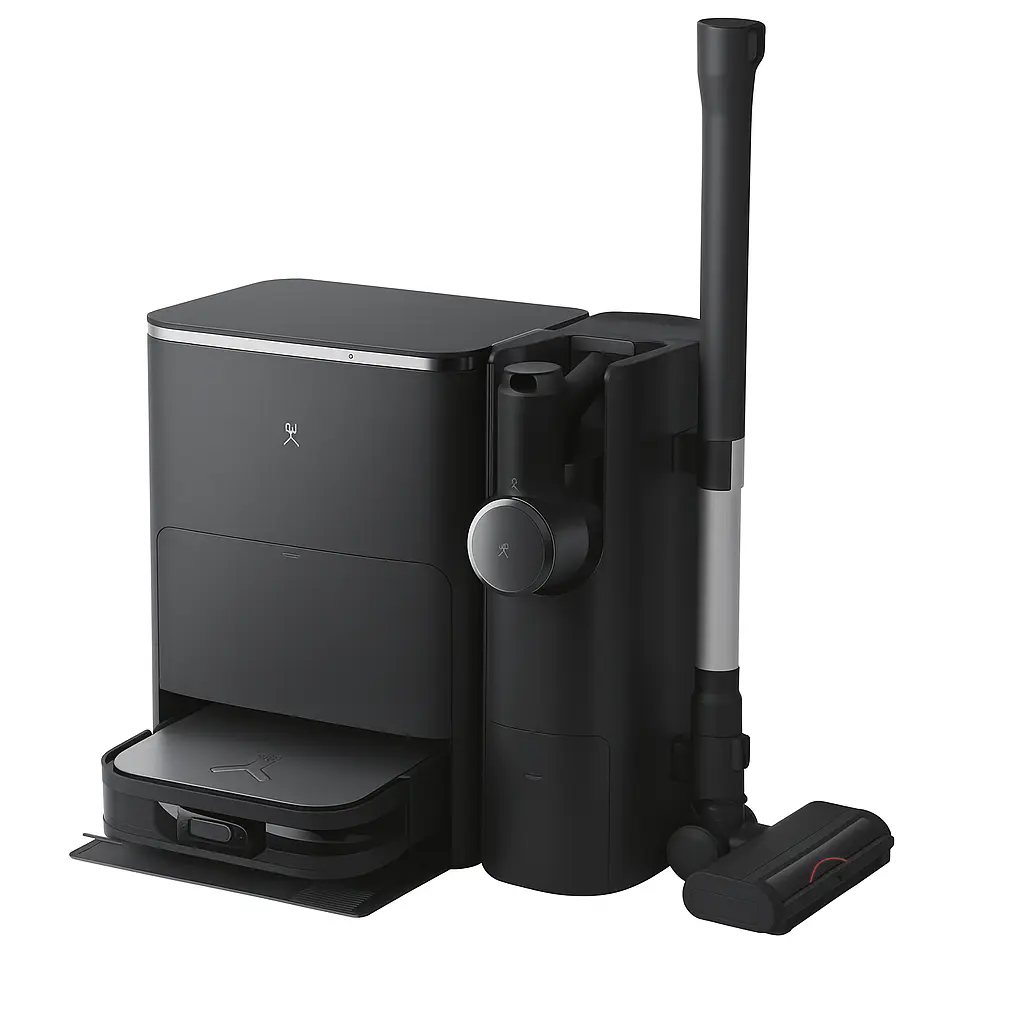
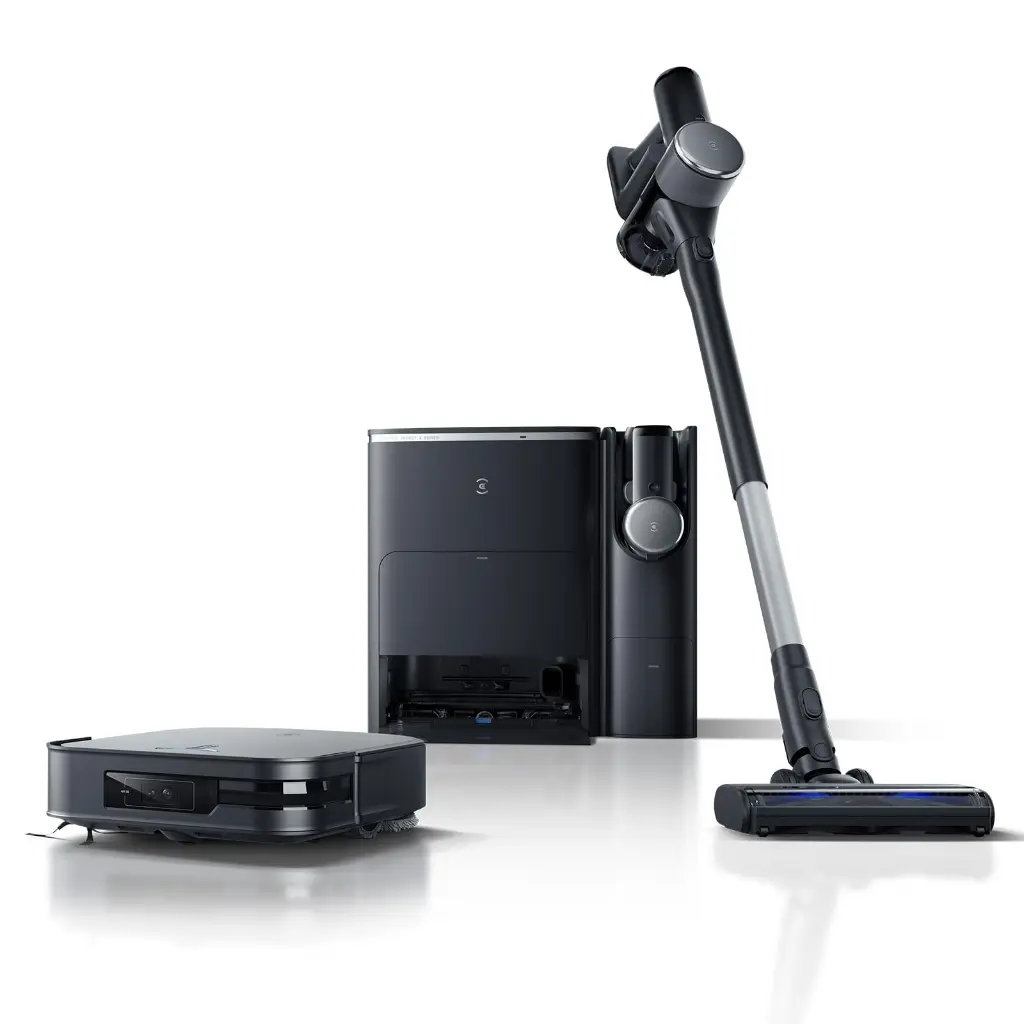
Combine efficiency and convenience with the ECOVACS DEEBOT X2 COMBO smart vacuum and mop, designed to give you an effortless, all-in-one cleaning experience. Thanks to its powerful suction, AI technology, and automatic emptying, you'll enjoy a sparkling clean home every time.
Technical specification:
Suction power: 8700 Pa
Robot dimensions: 32cm W x 9.5cm H
Jump height: Up to 22mm
Mopping system: OZMO Turbo 2.0 (Rotation + Automatic Lifting).
Mop Washing Temperature: 60°C.
Filtration: 4-Stage HEPA (captures 99.97% of 0.3µm particles).
Navigation Technologies: AIVI 3D 2.0 + TrueMapping 3.0 + 3D Maps.
Voice Assistant: YIKO 2.0 (Multiple voice commands + language and dialect support).
Battery: High efficiency with automatic recharge.
How to use:
1. Initial Setup and Preparation of the OMNI Station
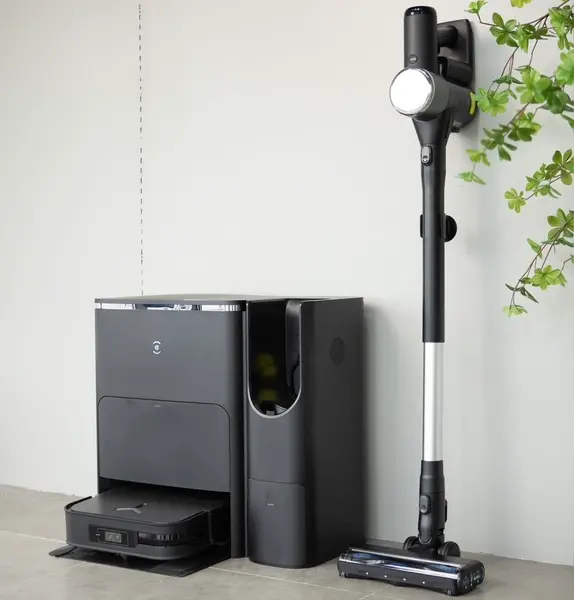
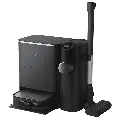
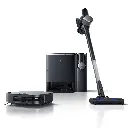
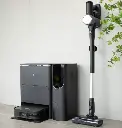
Station Preparation: Place the dual station in a spacious, level location. This station serves as the central hub for charging and emptying both the robot and the handheld vacuum simultaneously.
Water Tanks: Open the top cover of the station. Fill the "clean water" tank with water and ensure that the "dirty water" tank is emptied regularly to prevent unpleasant odors.
Combined Dust Bag: The station features one large internal dust bag that automatically collects dirt from both the robot and the handheld vacuum, eliminating the need to purchase multiple bags.
2. Using the Cordless Handheld Vacuum
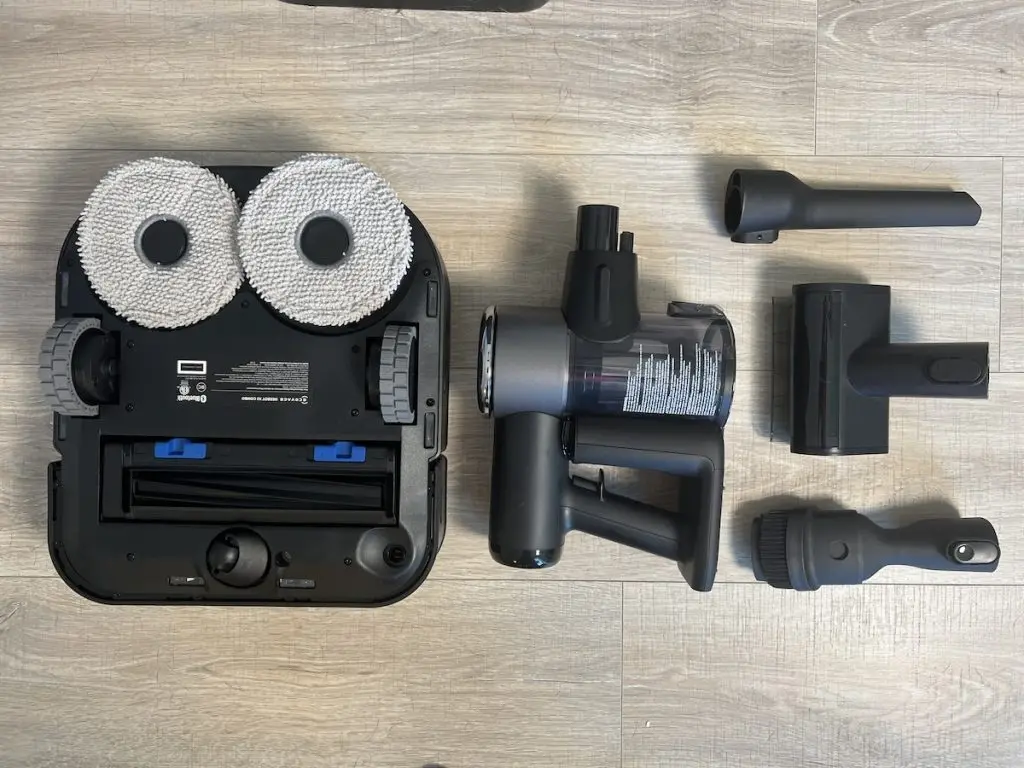
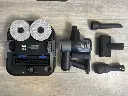
Operation and Accessories: Pull the handheld vacuum out of its designated side on the station. The vacuum comes with multiple attachments (such as a crevice brush for tight corners and an upholstery brush for sofas and curtains).
Automatic Unloading (Key Feature): You don't need to manually empty the handheld vacuum. Once you've finished cleaning, return the vacuum to its place in the station, and the station will automatically vacuum the dirt into the combined dust bag.
3. Setting up the square robot (X2) and the Ecovacs Home app
Linking to the app: Download the Ecovacs Home app and add the robot by scanning the QR code located under the robot's top cover (make sure the red power switch is turned on).
Quick mapping: Thanks to its square design and the integrated Solid-State LiDAR laser technology in its front body, the robot will create a very quick and accurate map of your home. (Make sure to clear any obstructions and wires from the floor before starting).
Benefit of the square design: This geometric design allows the robot to reach corners and edges of rooms much more efficiently than traditional round robots.
4. Robot cleaning modes (sweeping and mopping)
Smart cleaning: Through the app, you can direct the robot to clean the entire house, select specific rooms, or draw a specific area on the map to focus on.
Automatic Mop Lift: Upon detecting carpets, the robot automatically raises the mop pads by 15 mm to prevent the carpet from getting wet, while simultaneously increasing suction power (up to 8700 Pa) to extract deep-seated dust.
Hot Water Mop Wash: After or during cleaning, the robot returns to the station to wash the mop pads in hot water (60°C) to remove grease and stubborn dirt, then dries them with hot air to prevent bacteria and odors.
5. Routine Maintenance
Dust Bag Replacement: Replace the dust bag at the station when you receive a notification via the app that it is full.
Brush and Sensor Cleaning: Regularly wipe the robot's bottom and front sensors with a soft, dry cloth, and ensure that the main rubber brush (designed to prevent tangling) is free of any obstructions.
Combine efficiency and convenience with the ECOVACS DEEBOT X2 COMBO smart vacuum and mop, designed to give you an effortless, all-in-one cleaning experience. Thanks to its powerful suction, AI technology, and automatic emptying, you'll enjoy a sparkling clean home every time.
Technical specification:
Suction power: 8700 Pa
Robot dimensions: 32cm W x 9.5cm H
Jump height: Up to 22mm
Mopping system: OZMO Turbo 2.0 (Rotation + Automatic Lifting).
Mop Washing Temperature: 60°C.
Filtration: 4-Stage HEPA (captures 99.97% of 0.3µm particles).
Navigation Technologies: AIVI 3D 2.0 + TrueMapping 3.0 + 3D Maps.
Voice Assistant: YIKO 2.0 (Multiple voice commands + language and dialect support).
Battery: High efficiency with automatic recharge.
How to use:
1. Initial Setup and Preparation of the OMNI Station
Station Preparation: Place the dual station in a spacious, level location. This station serves as the central hub for charging and emptying both the robot and the handheld vacuum simultaneously.
Water Tanks: Open the top cover of the station. Fill the "clean water" tank with water and ensure that the "dirty water" tank is emptied regularly to prevent unpleasant odors.
Combined Dust Bag: The station features one large internal dust bag that automatically collects dirt from both the robot and the handheld vacuum, eliminating the need to purchase multiple bags.
2. Using the Cordless Handheld Vacuum
Operation and Accessories: Pull the handheld vacuum out of its designated side on the station. The vacuum comes with multiple attachments (such as a crevice brush for tight corners and an upholstery brush for sofas and curtains).
Automatic Unloading (Key Feature): You don't need to manually empty the handheld vacuum. Once you've finished cleaning, return the vacuum to its place in the station, and the station will automatically vacuum the dirt into the combined dust bag.
3. Setting up the square robot (X2) and the Ecovacs Home app
Linking to the app: Download the Ecovacs Home app and add the robot by scanning the QR code located under the robot's top cover (make sure the red power switch is turned on).
Quick mapping: Thanks to its square design and the integrated Solid-State LiDAR laser technology in its front body, the robot will create a very quick and accurate map of your home. (Make sure to clear any obstructions and wires from the floor before starting).
Benefit of the square design: This geometric design allows the robot to reach corners and edges of rooms much more efficiently than traditional round robots.
4. Robot cleaning modes (sweeping and mopping)
Smart cleaning: Through the app, you can direct the robot to clean the entire house, select specific rooms, or draw a specific area on the map to focus on.
Automatic Mop Lift: Upon detecting carpets, the robot automatically raises the mop pads by 15 mm to prevent the carpet from getting wet, while simultaneously increasing suction power (up to 8700 Pa) to extract deep-seated dust.
Hot Water Mop Wash: After or during cleaning, the robot returns to the station to wash the mop pads in hot water (60°C) to remove grease and stubborn dirt, then dries them with hot air to prevent bacteria and odors.
5. Routine Maintenance
Dust Bag Replacement: Replace the dust bag at the station when you receive a notification via the app that it is full.
Brush and Sensor Cleaning: Regularly wipe the robot's bottom and front sensors with a soft, dry cloth, and ensure that the main rubber brush (designed to prevent tangling) is free of any obstructions.
| Brand: Ecovacs |
Your Dynamic Snippet will be displayed here...
This message is displayed because youy did not provide both a filter and a template to use.


