.webp?unique=1348f86)
.webp?unique=1348f86)
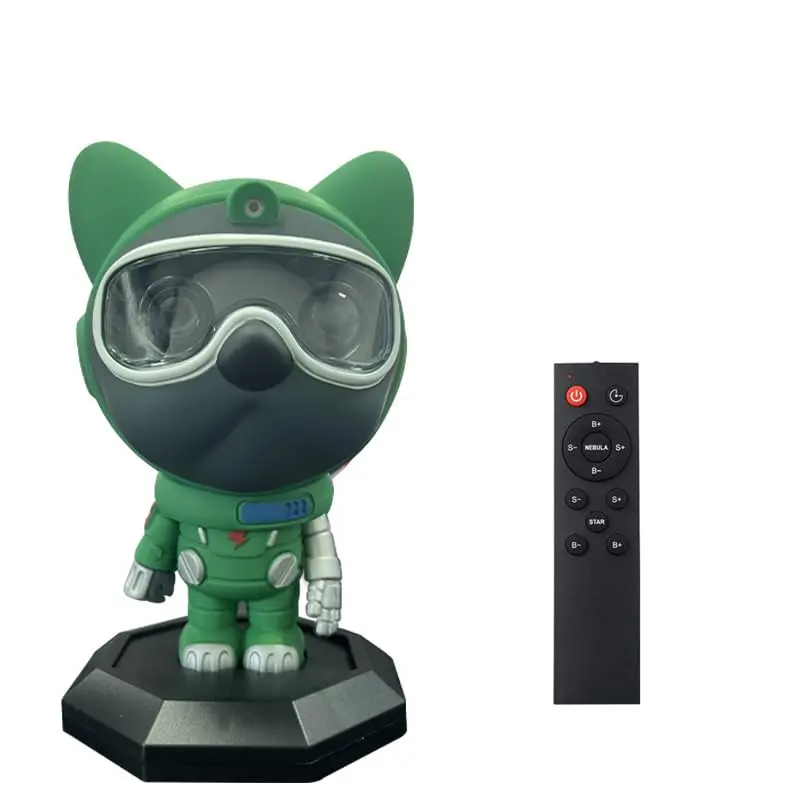
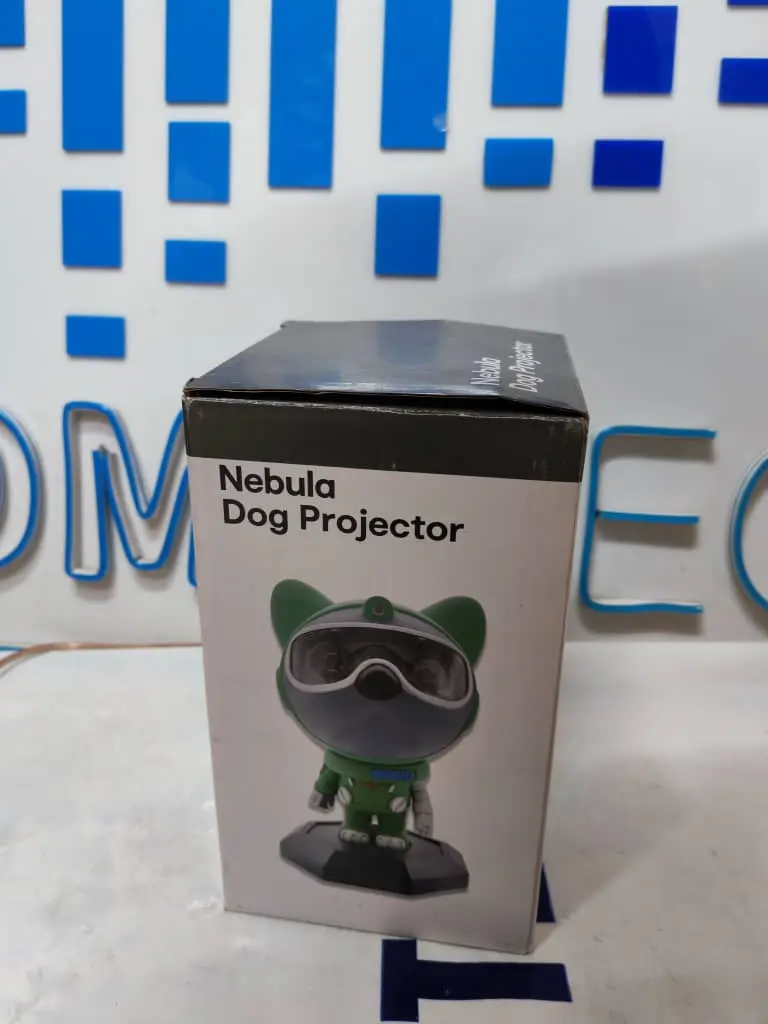
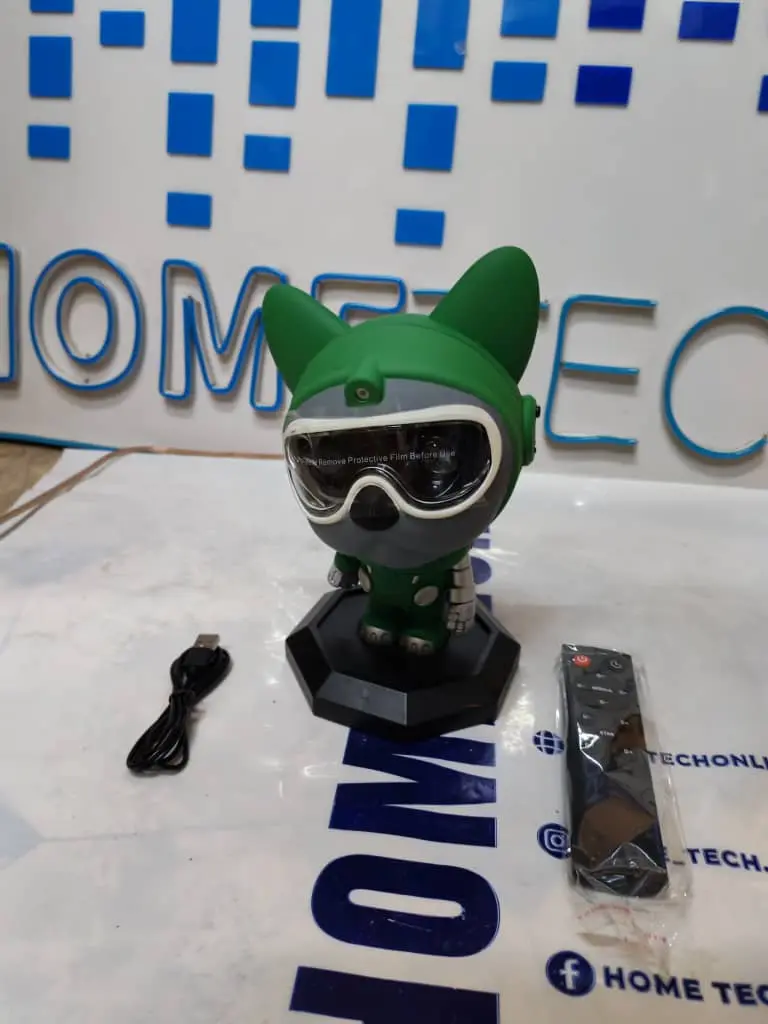
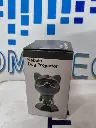
Kids Star Projector With Laser Dog MD096
Home Tech
All product details are clearly stated.
Product Overview
Product Description
ProdThis cute cartoon character star/galaxy projector projects light onto the ceiling and walls, creating a relaxing and unique atmosphere.
You can choose different colors and patterns, such as stars or nebulae, and adjust the brightness to suit your mood.
It comes with a remote control for easy operation and changing modes.
Suitable for bedrooms, children's rooms, or as a decorative gift to add a lovely "space" touch to any space
Technical Specs
Technical specifications
color: white
laser wavelength: 532nm
led power: 5w
control method: remote control
remote control distance: 5m
power: 0.4 a
size: 132 x 110 x 20.5 mm
How To Use
How to use
Place it on a flat surface Put the projector on a table, shelf, or bedside table. Aim it toward the ceiling or wall. Connect the USB cable Plug the USB cable into the projector, then connect it to a 5V USB adapter or power bank. Similar dog projector manuals mention that the USB cable is included, while the 5V 1A adapter may be sold separately. Turn it on Press the power button on the projector or use the remote control if included. Similar manuals say a short press turns the projector on/off. Adjust the dog head direction Move/rotate the dog’s head gently to change the projection direction. Do not pull the head forcefully because similar models have wires inside and magnetic connection between the head and body. Change light modes Use the remote or buttons to change: Nebula color Star/moon mode Brightness Moving speed Star fading effect Use the timer Similar dog star projectors support 45-minute and 90-minute timer modes. Press the timer button once for 45 minutes, press again for 90 minutes, and long-press to cancel the timer. Turn it off after use Turn it off from the button or remote, then unplug it if it will not be used for a long time.
Customer Reviews
Share your experience with this product
Your Dynamic Snippet will be displayed here...
This message is displayed because youy did not provide both a filter and a template to use.