.webp?unique=0dd6a1d)
.webp?unique=0dd6a1d)
.webp?unique=0dd6a1d)
.webp?unique=0dd6a1d)
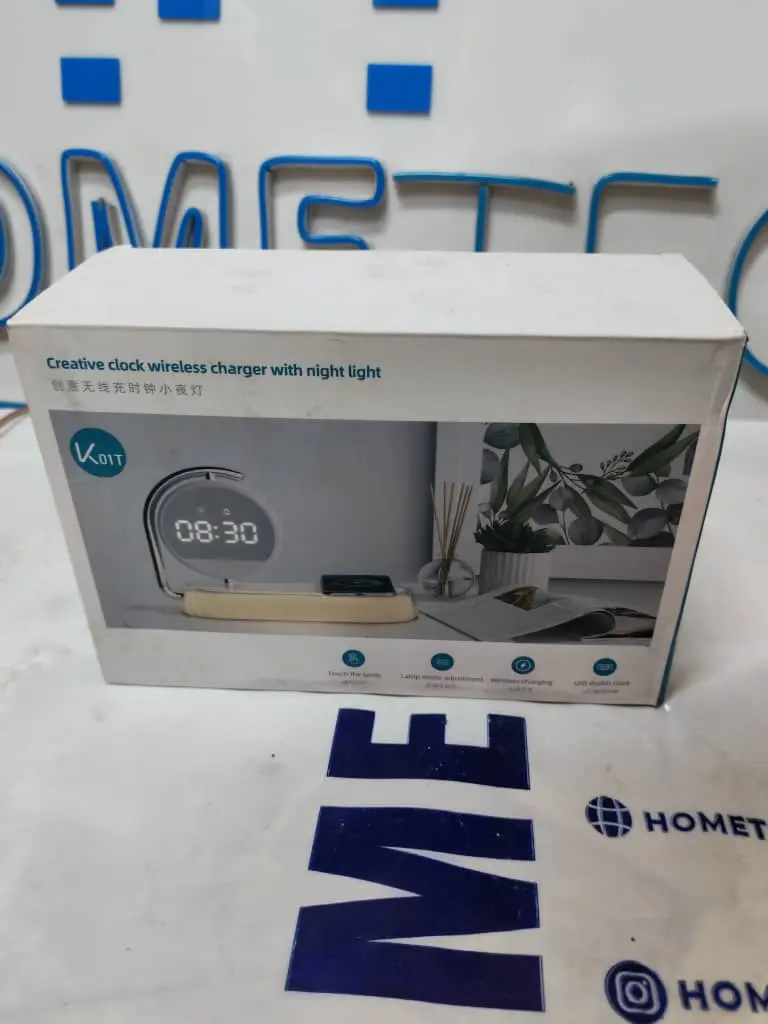
Multifunctional Digital Desktop Alarm Clock with Wireless Charging and Night Light K01T
Home Tech
All product details are clearly stated.
Product Overview
Product Description
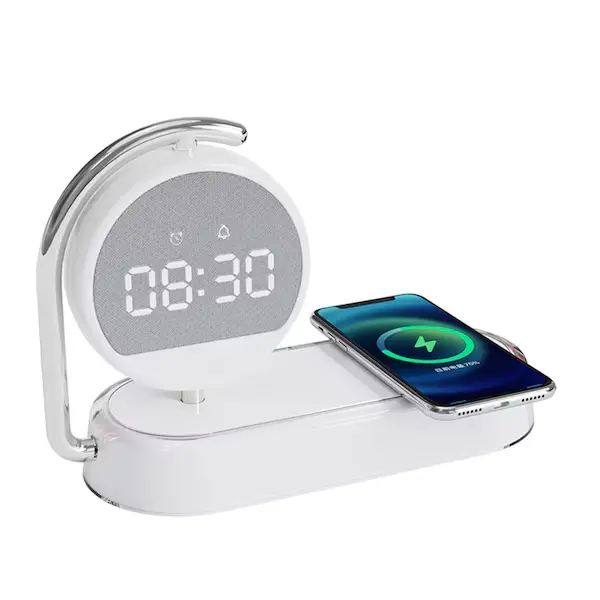
Multifunctional Digital Desktop Alarm Clock with Wireless Charging and Night Light is a multifunctional charging station designed to power multiple devices at once. It supports fast and wireless charging for smartphones, smartwatches, and earbuds. With its sleek design and safety features like overcharge and temperature protection, it keeps your devices powered efficiently and securely.
Technical Specs
Technical specifications
voltage: dc 5v === 2.1 a 9v === 2a
power: 5w/7.5w/10w/15w
power conversion efficiency: 75%
charging port : type-c
How To Use
How to use
Connect the clock to power Plug the USB Type-C cable into the clock, then connect it to a wall adapter. For wireless charging, use a strong adapter, preferably QC-compatible, because the manual recommends a QC protocol adapter for proper charging. Set the time Press MODE to reach the time display. Hold MODE for 2 seconds to enter setting mode. Use UP to increase numbers and DOWN to decrease numbers. Hold MODE in time mode to set 12/24-hour format and time. Set the date Press MODE until the date appears. Hold MODE to enter date setting. Use UP / DOWN to adjust the numbers. Set the alarm Press MODE to switch between A1 / A2 / A3 alarm options. Hold MODE on the alarm you want to set. Use UP / DOWN to adjust the alarm time. In alarm mode, short-press UP to turn the alarm ON/OFF. Change display mode Short-press UP to switch between DP1 / DP2 / DP3. DP1 cycles between time and date. DP2 / DP3 keep a fixed time display with date. Adjust screen brightness Long-press DOWN to change brightness levels: L0 / L1 / L2 / L3 L0 is the dimmest, and L3 is the brightest. Use wireless charging Place a Qi wireless charging phone on the charging area. Make sure the phone is centered. The manual says the charging indicator changes from white to blue while the phone is charging, then returns to white when charging is complete. Use the night light Touch the light switch to turn on the night light. Touch again to change brightness: 100% → 50% → 10% → OFF.
Customer Reviews
Share your experience with this product
Your Dynamic Snippet will be displayed here...
This message is displayed because youy did not provide both a filter and a template to use.