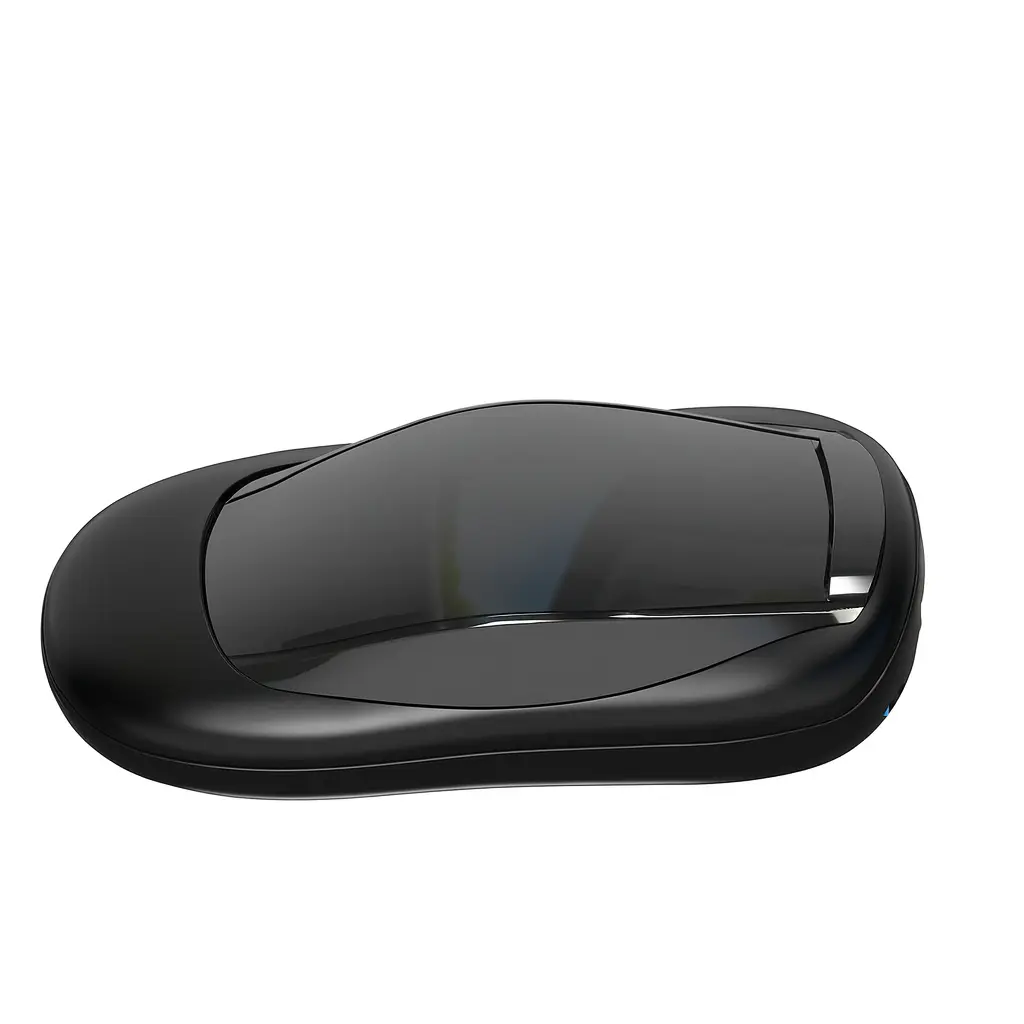
Car Smart Box CARSMART1
Home Tech
All product details are clearly stated.
Product Overview
Product Description
This smart car adapter (Bluetooth/FM Transmitter) plugs into your car's cigarette lighter socket to easily enable Bluetooth connectivity.
You connect your phone via Bluetooth to play music and receive calls, and the audio is played through your car's FM radio.
It typically includes USB ports for charging and may also support playing music from a flash drive or memory card.
A practical solution for older cars, providing audio, entertainment, and connectivity without replacing the radio.
Technical Specs
Technical specifications
Processor: MT8163 Quad-core
RAM: 2GB
Internal Storage: 32GB
Wireless Connectivity: 802.11 a/b/g/n/ac (WiFi 2.4G+5G)
Compatibility: Works with Apple CarPlay and Android Auto
Built-in GPS: Supports AGPS for precise positioning
How To Use
How to use
Your car screen usually needs to support wired Apple CarPlay through USB. Many Smart Box / CarPlay adapter devices work by converting the wired CarPlay connection into a wireless/smart interface. How to connect Start the car and turn on the car screen. Plug the Car Smart Box into the car’s USB CarPlay port using the included cable. Wait around 20–60 seconds for the system to load. On the car screen, choose CarPlay / Smart Box / Android / Auto Box depending on what appears. On your phone, turn on Bluetooth and Wi-Fi. Search for the device name, usually something like SmartBox-XXXX. Connect by Bluetooth, then accept any permissions that appear, such as Use CarPlay, contacts, or pairing request. A common SmartBox manual says to pair with “SmartBox-XXXX” and press Use CarPlay when prompted. After the first connection, it should connect automatically when you start the car. How to use apps After connection, you can use the car screen for supported functions like: Navigation Music Calls Videos or online entertainment, depending on the system/app support Wireless CarPlay / Android Auto features, depending on compatibility
Customer Reviews
Share your experience with this product
Your Dynamic Snippet will be displayed here...
This message is displayed because youy did not provide both a filter and a template to use.