.webp?unique=af0fd27)
.webp?unique=af0fd27)


.webp?unique=af0fd27)
.webp?unique=af0fd27)
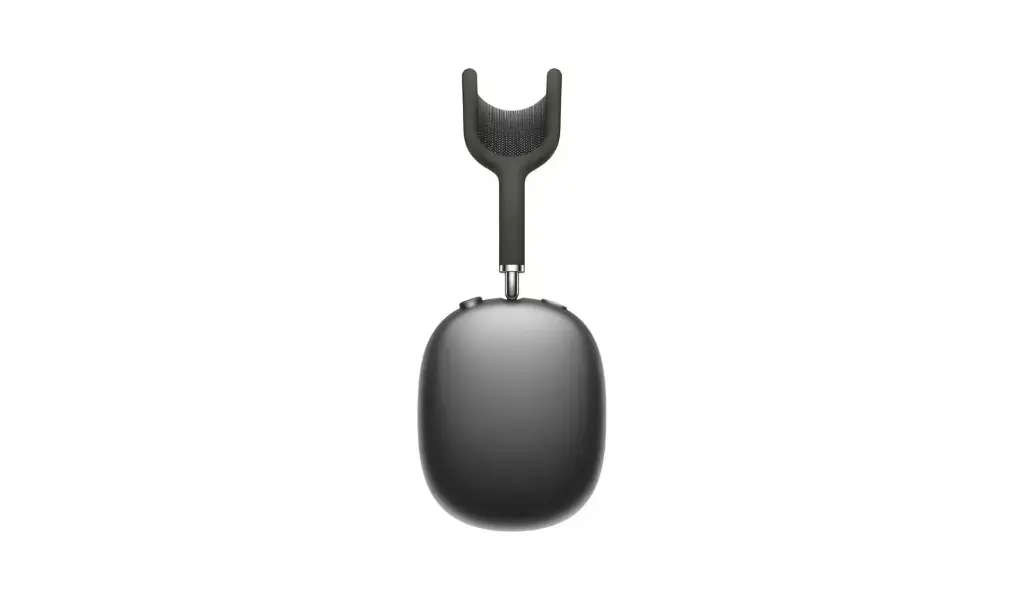
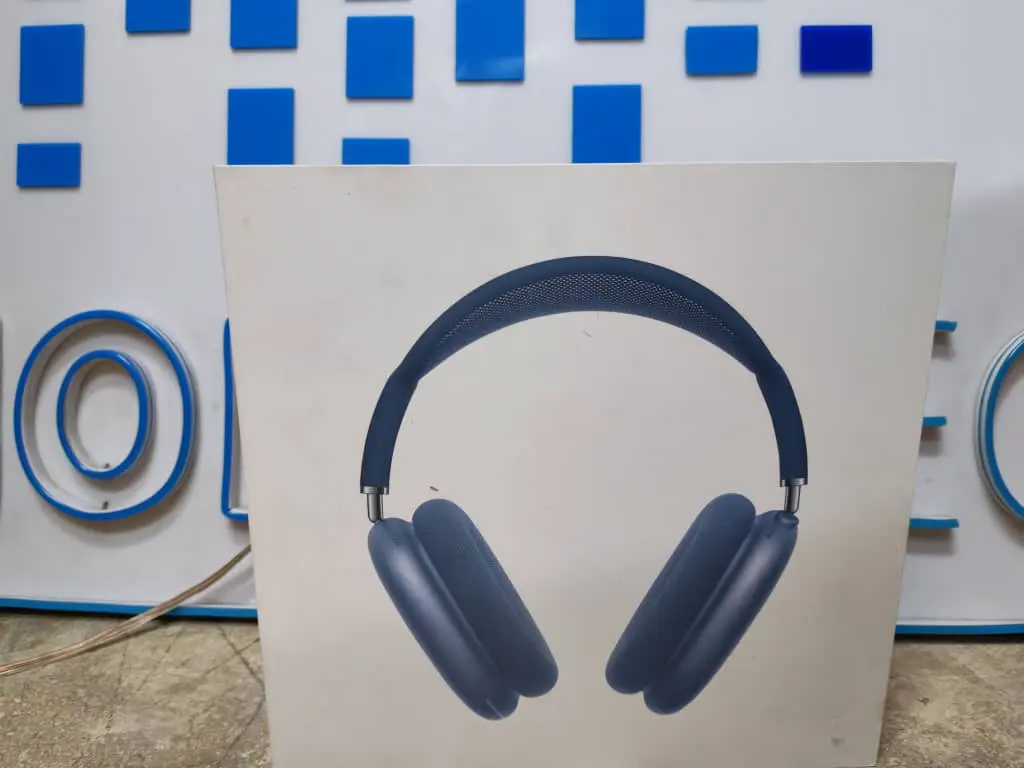
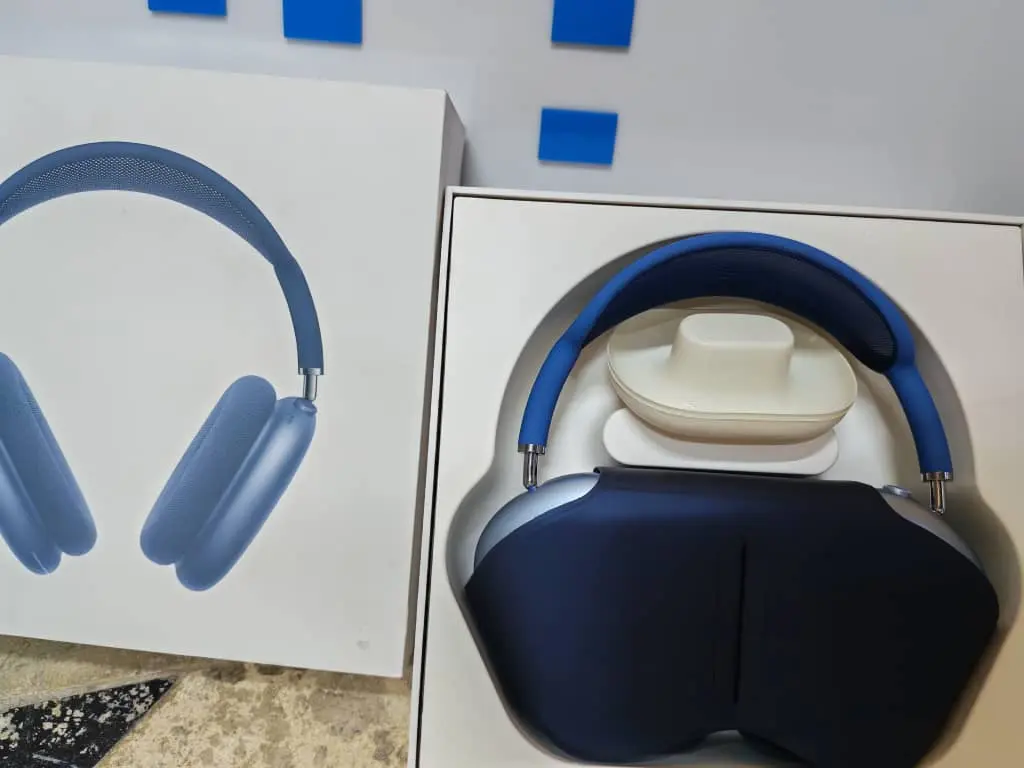
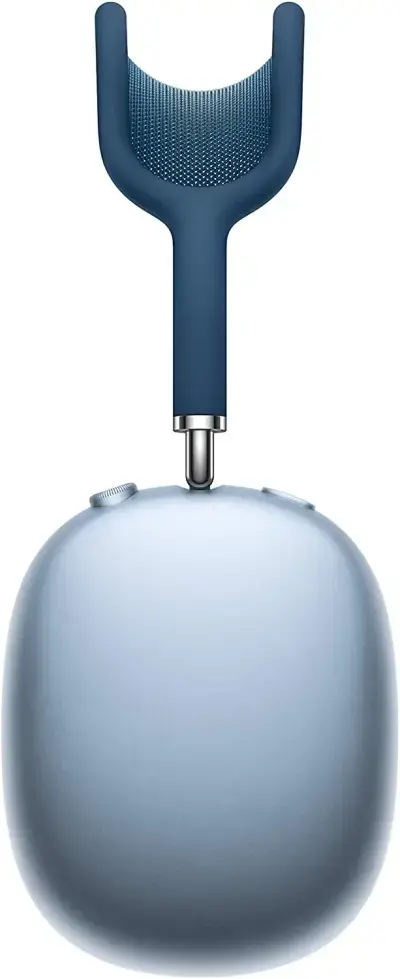
AirPods Max Master A2096
Home Tech
All product details are clearly stated.
Product Overview
Product Description
Okay, these are wireless earbuds (AirPods) with a compact design and a stylish, portable charging case.
They deliver clear sound for music and calls, and operate with a simple touch to control playback and answer calls.
They connect quickly via Bluetooth and are perfect for everyday use at work, university, or while walking.
The charging case extends playtime and makes it easy to charge them and take them anywhere.
They deliver clear sound for music and calls, and operate with a simple touch to control playback and answer calls.
They connect quickly via Bluetooth and are perfect for everyday use at work, university, or while walking.
The charging case extends playtime and makes it easy to charge them and take them anywhere.
Technical Specs
Technical specifications
Type: Over-ear closed-back headphones
Processor/Chip: Two Apple H1 chips (one per earcup) for audio processing and ANC
Audio: Apple-designed dynamic driver + Adaptive EQ for sound equalization based on sealing
Noise Cancellation: Active Noise Cancellation (ANC) + Transparency mode
Spatial Audio: Spatial Audio with Dynamic Head Tracking
Microphones: 9 microphones total (8 for ANC + 3 for audio/calls with beamforming)
Sensors: Optical + Position + Case-detect + Accelerometer + Gyroscope (for head tracking)
Connectivity: Bluetooth 5.0
Battery: Up to 20 hours of playback (with ANC + Spatial) Audio)
Charging: Via Lightning — 5-minute charge ≈ 1.5 hours of playback
Weight: Approximately 384.8 grams
Compatibility: iPhone / iPad / Mac / Apple TV (Best experience with the latest Apple systems)
How To Use
How to use
1. Charging and Operation Charging Port: The charging port is located on the bottom of one of the ear cups. Use the included charging cable (usually Lightning or Type-C, depending on the model). Status Indicator: A small LED light is located next to the charging port. When the charger is connected, it will light up orange/amber (charging) and turn green when charging is complete. 2. Pairing These earbuds are designed for quick pairing, especially with iPhones: With iPhone (iOS): Turn on Bluetooth on your phone. Remove the earbuds from the Smart Case. Hold the earbuds close to your iPhone. A pop-up animation will automatically appear on your screen requesting to connect (just like the originals). Tap "Connect." With Android: Turn on Bluetooth and search for new devices. Press and hold the Noise Control button (the rectangular button) for a few seconds until the light starts flashing white (pairing mode). Select the earbud name from your phone's list to pair. 3. Control Buttons (Very Important) The earbuds have two main buttons on the top of the right ear cup: First: Digital Crown - Rotating button: Volume Control: Rotate the button left or right to precisely raise or lower the volume. Play/Pause: A single press plays or pauses music, or answers and ends calls. Next Track: Double-press to skip to the next track, triple-press to return to the previous track. Second: Noise Control Button - The rectangular button: Mode Switching: A single press to switch between Active Noise Cancellation and Transparency Mode, which allows you to hear sounds around you. 4. Pause and Storage Sleep Mode: These earbuds typically do not have a traditional on/off button. Once placed inside the included Smart Case, they will automatically enter deep power-saving mode and disconnect Bluetooth to conserve battery. When removed from the case and placed on your head, they will automatically power on and reconnect. 5. Reset If you experience connection problems or audio interruptions: Disconnect the earbuds from your phone's Bluetooth settings (Forget Device). Press and hold both the round crown and noise buttons simultaneously for approximately 15 seconds until the light flashes orange then white, then reconnect them.
Customer Reviews
Share your experience with this product
Your Dynamic Snippet will be displayed here...
This message is displayed because youy did not provide both a filter and a template to use.