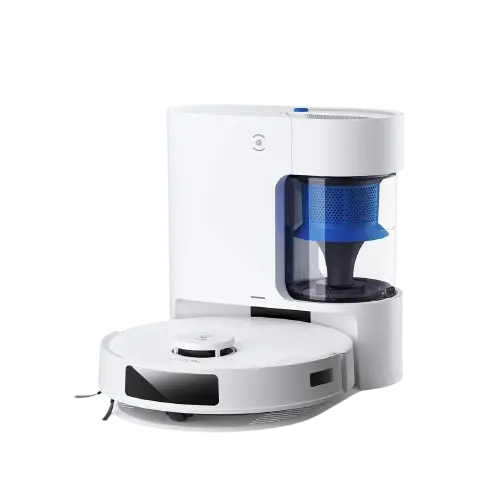
Ecovacs N20 Pro Plus with Auto-Empty Dock
Home Tech
All product details are clearly stated.
Product Overview
Product Description
Smart cleaning… without the effort! Say goodbye to manual cleaning with this smart robot vacuum featuring an auto-empty dock! Its advanced design intelligently cleans floors thoroughly and automatically returns to empty the dustbin, giving you ultimate convenience and daily cleanliness without any intervention from you. Perfect for modern homes seeking comfort and style.
Technical Specs
Technical specifications
Functions: Dust and dirt vacuuming, dry cleaning
System Navigation: LiDAR – for precise mapping and obstacle avoidance
power: 45 watt
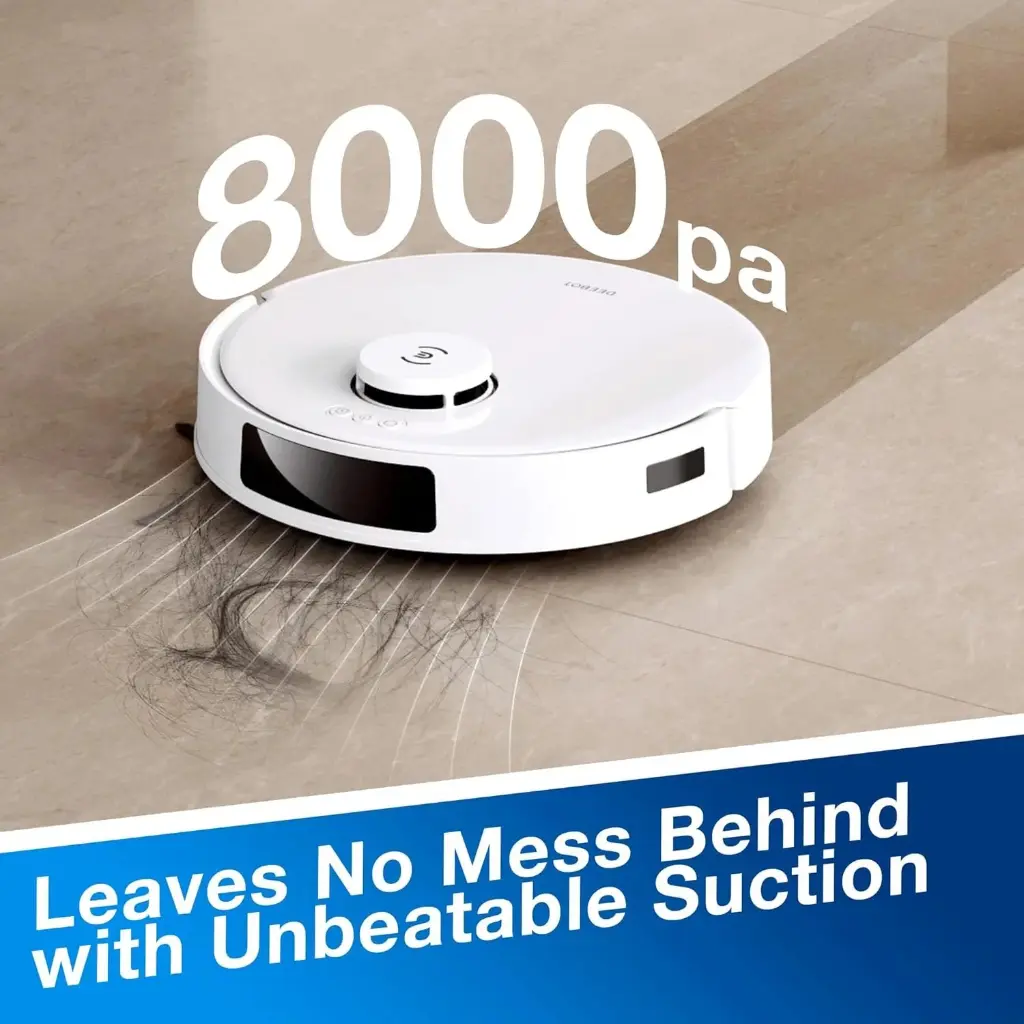
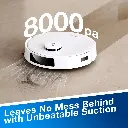
Suction power: 8000 pa
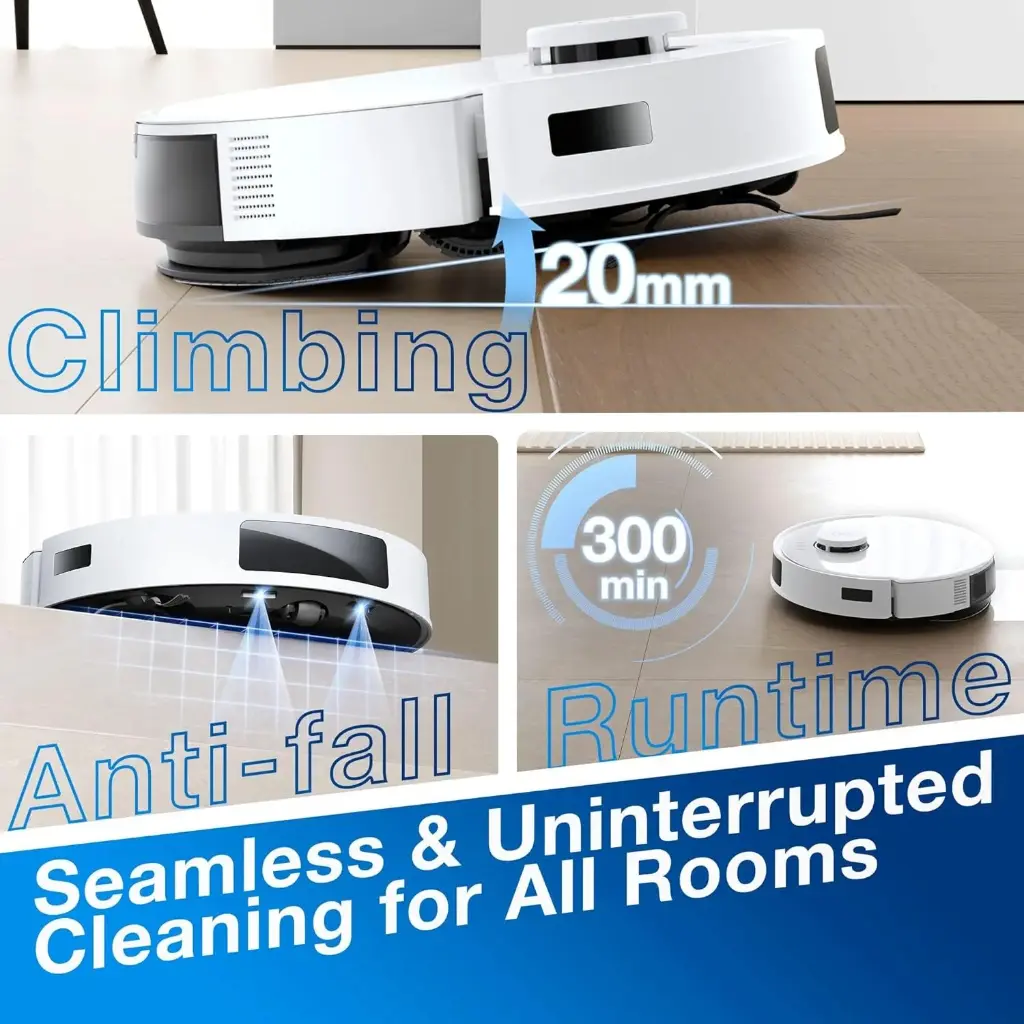
Battery: lithion 5200 mAh – Coverage up to 250 m²
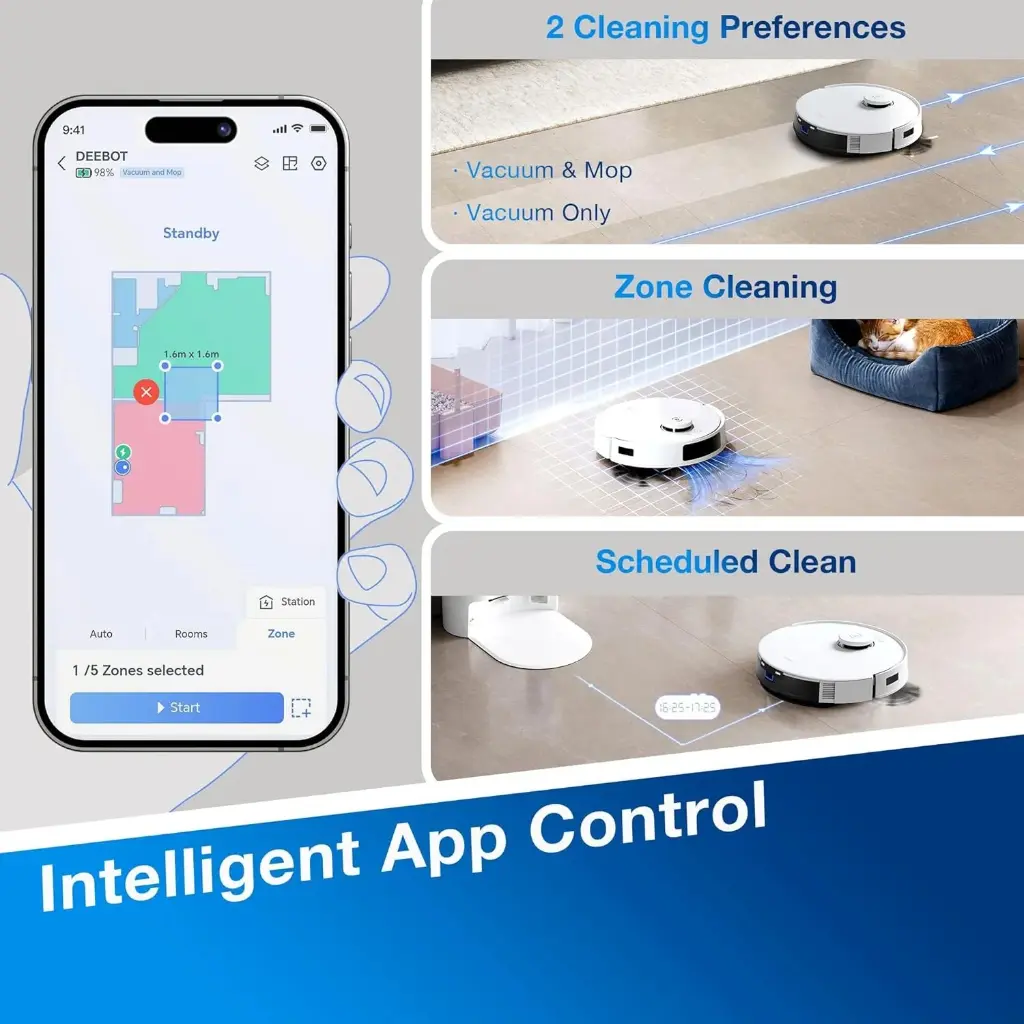
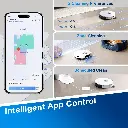
Control: Via a smart app – live tracking, scheduling, and restricted area detection
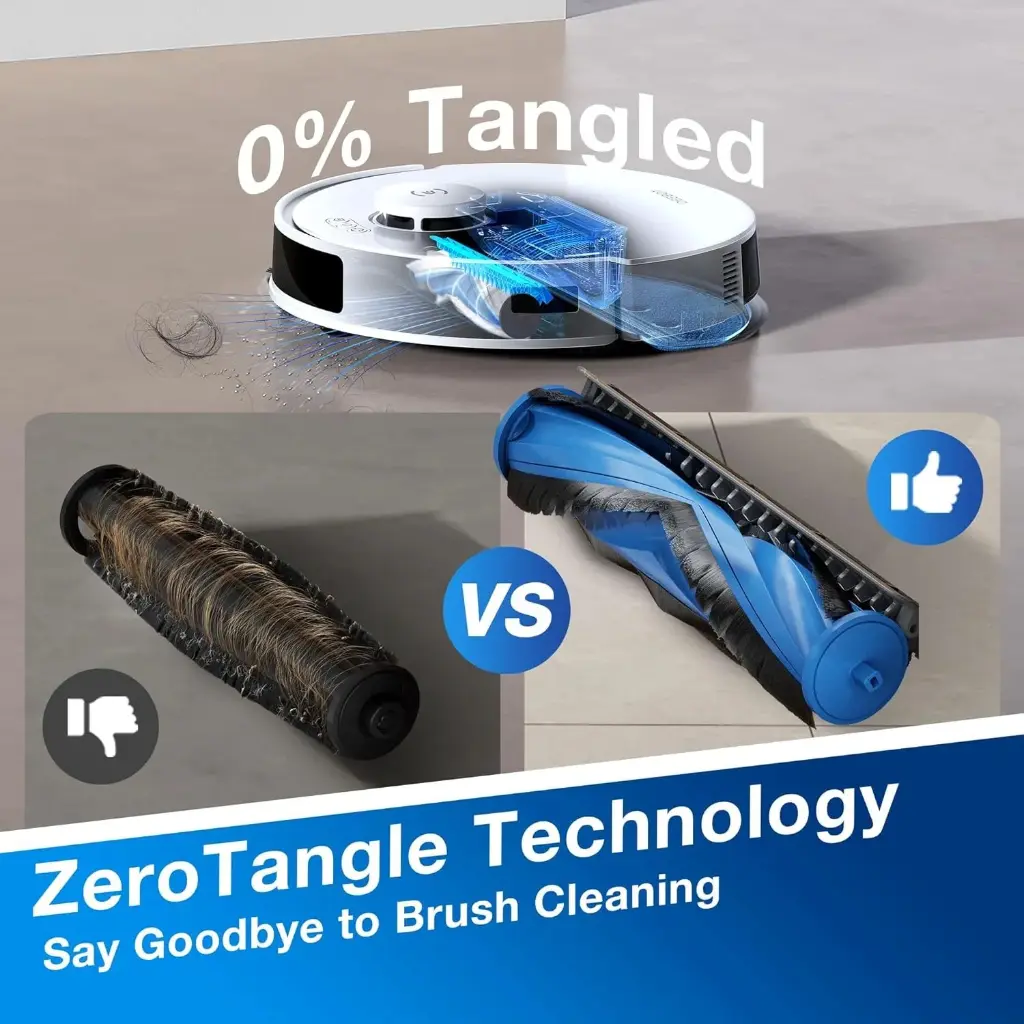
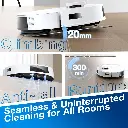
Sensors: Anti-fall, anti-collision, and anti-tangling
Container capacity:
Inside the robot: 400ml
Unloading station: 2–4 liters
Noise level: Low – suitable for use at any time of day
How To Use
How to use
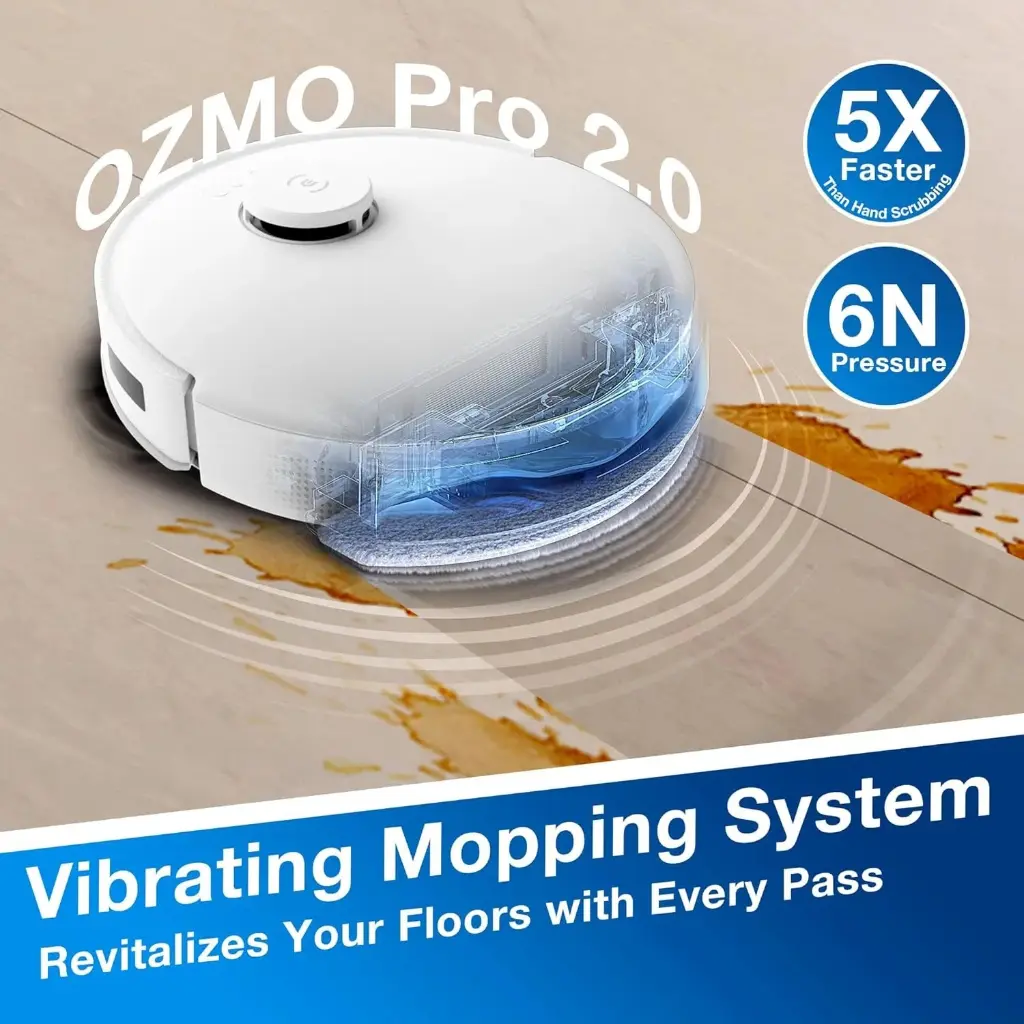
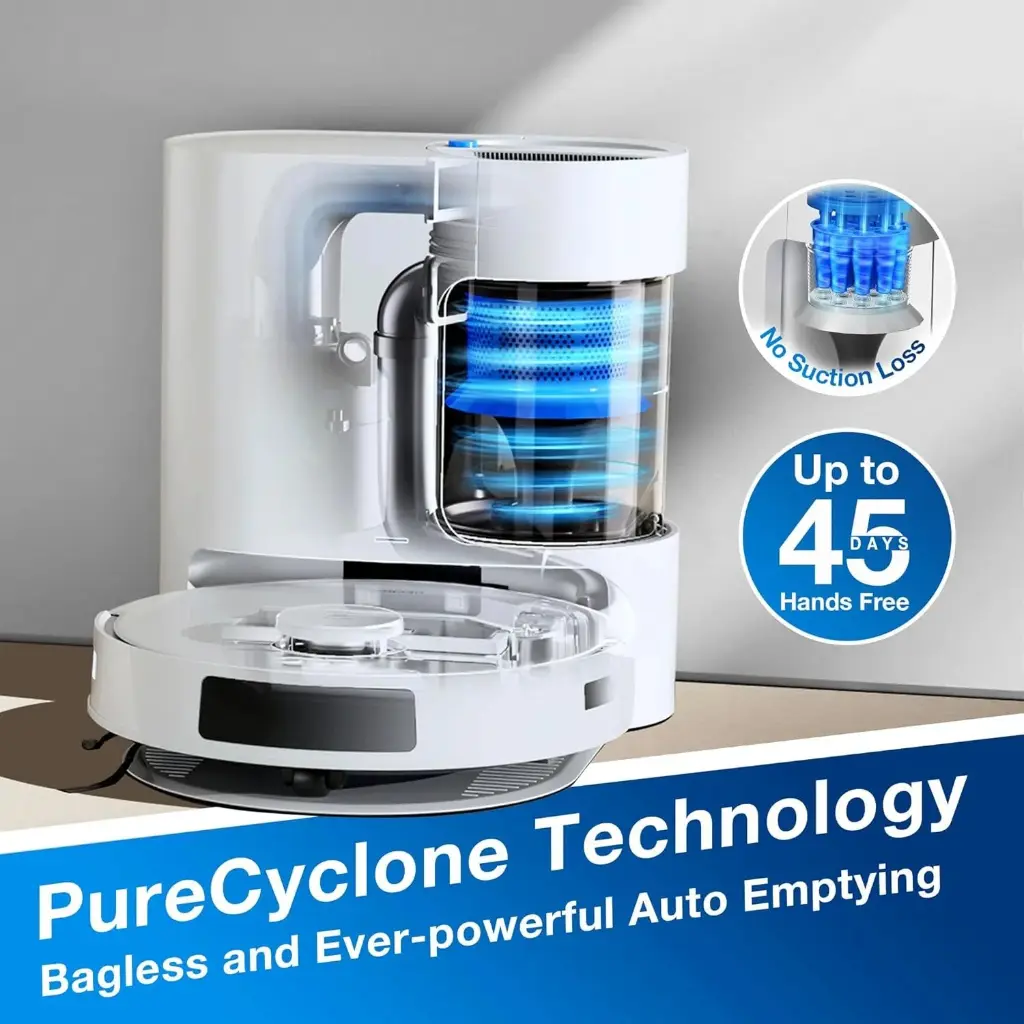
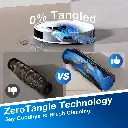
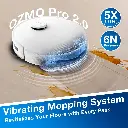
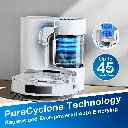
1. Initial Setup Preparing the Vacuuming Station: Place the station on a firm, level surface with ample space in front (approximately 1.5 meters) and on either side (approximately 0.5 meters) to allow the robot to easily return to it. Plug the station into a power outlet. Assembling the Parts: Turn the robot over and attach the side brush to its designated slot (by pressing it down until you hear a click). Preparing the Water Tank: If you wish to use the mopping feature, remove the water tank (OZMO system) from the back of the robot, fill it with clean water only, wet the mopping pad (cloth) with water, wring it out well, and then attach it to the mopping pad and replace it on the robot. 2. Connecting to the App and Mapping (Essential Step) Ecovacs Home App: Download the app to your mobile phone and create a new account. Adding the Robot: Open the top cover of the robot and switch the red power switch to the ON position. Scan the QR code located under the cover using the app to connect the robot to your home Wi-Fi network (the network must be 2.4 GHz). Quick Mapping: On first use, select the mapping feature in the app. The robot will navigate your home using a smart laser navigation system to create an accurate map of the rooms without vacuuming. (Be sure to open doors and remove any cords or toys from the floor before starting.) 3. Operation and Cleaning Modes Through the app, you have complete control over the cleaning process: Sweeping and Mopping: Once the water tank and mop pad are attached, the robot will automatically recognize them and sweep and mop simultaneously. Customized Cleaning: You can instruct the robot to clean the entire house (Auto), select a specific room (Room), or draw a box around a specific area on the map to clean (Zone). Power and Flow Control: The app allows you to adjust the suction power (e.g., select maximum for carpets) and control the water flow during mopping (low, medium, high) to suit the type of flooring. 4. Automatic Vacuuming Station (PureCyclone) Self-Unloading: After cleaning is complete and the robot returns to the station, the station will automatically vacuum the dust from inside the robot into the station's container. Emptying the main container: This station eliminates the need to purchase paper dust bags. When the transparent plastic container is full, simply detach it with the push of a button, press the bottom emptying button, and the dirt will fall directly into the dustbin without being touched. Then, return the container to the station. 5. Regular Maintenance for Performance Main Brush: Thanks to ZeroTangle technology, hair tangling is significantly reduced. However, it is recommended to inspect it every few weeks to ensure there are no major blockages. Mop Care: Remove the cloth mop pad after each mop, wash it thoroughly, and allow it to air dry to prevent the growth of bacteria and unpleasant odors. Sensor Cleaning: Use a clean, dry cloth to wipe the fall sensors (located on the bottom of the robot), the laser sensor (the protruding disc on top), and the copper charging contacts once a month.
Customer Reviews
Share your experience with this product
| Color: White |
| Color variant: white |
| Brand: Ecovacs |
Your Dynamic Snippet will be displayed here...
This message is displayed because youy did not provide both a filter and a template to use.