.webp?unique=3fd5f24)
.webp?unique=ff604df)
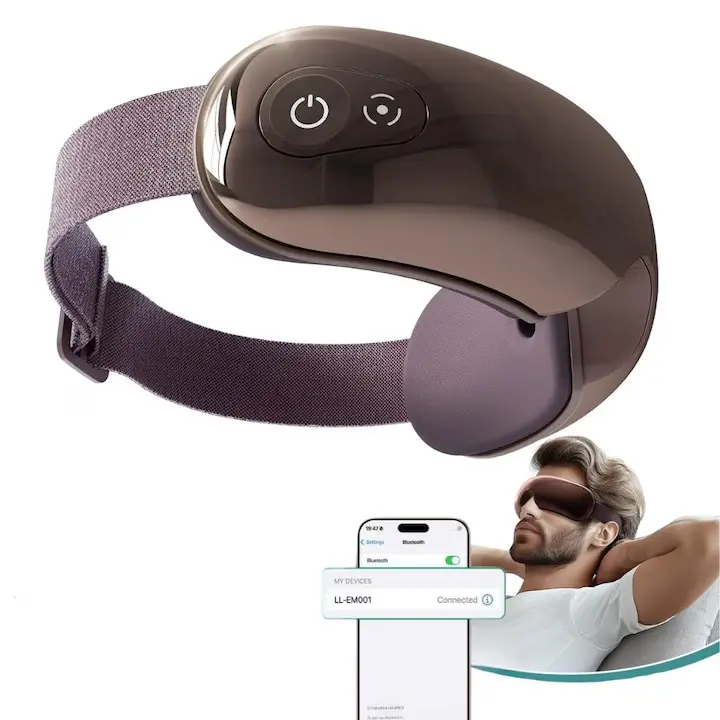.webp?unique=6873c1c)
.webp?unique=3fd5f24)
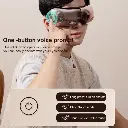
.webp?unique=ff604df)
.webp?unique=6873c1c)
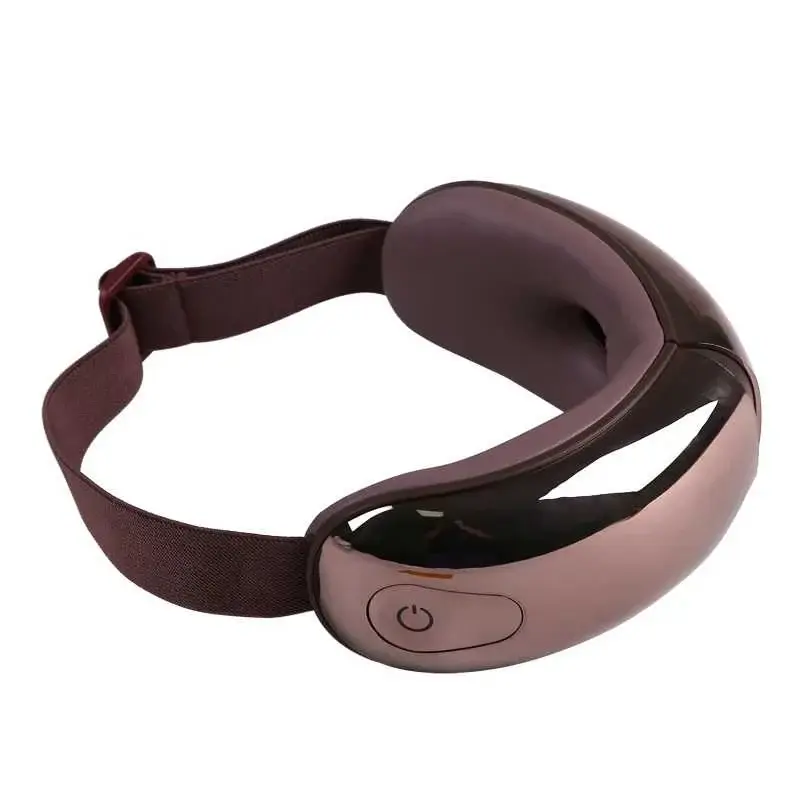
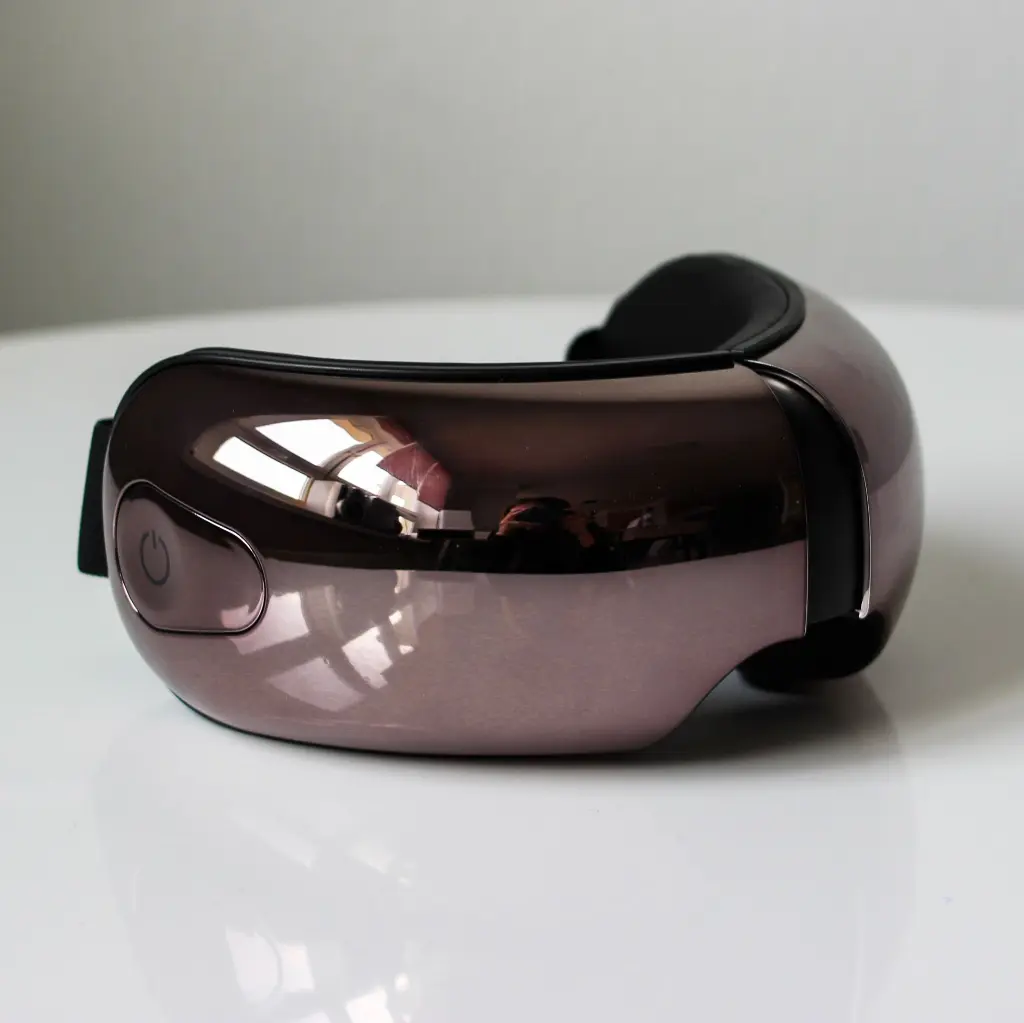
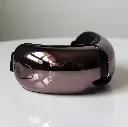
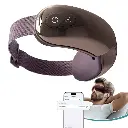
Eye Massager JAE1
Home Tech
All product details are clearly stated.
Product Overview
Product Description
Hot Compression Massage – Stimulates blood circulation, relieves eye strain, and provides a sense of deep relaxation.
Smart Bluetooth Music – Built-in speaker allows you to play your favorite music to enhance the relaxation experience.
Modern Visual Design – Easy control of massage intensity and modes to suit your personal needs.
Lightweight and Portable – Ideal for use at home, in the office, or while traveling.
Ideal for office workers – Helps reduce stress caused by prolonged screen use.
Technical Specs
Technical specifications
Main Functions Air pressure massage, vibration, hot compress, music/Bluetooth depending on version
Recommended Session Around 15 minutes per cycle
Charging Port USB / Type-C depending on version
Rated Voltage Common similar models: 3.7V
Input Common similar models: 5V
Rated Power Common similar models: around 4W
Battery Capacity Common similar models: around 1200mAh
Charging Time Around 2–2.5 hours depending on version
Working Time Around 90 minutes to 2 hours depending on battery and mode
Design Foldable, adjustable strap, soft inner padding
Use Area Around eyes and temples only
How To Use
How to use
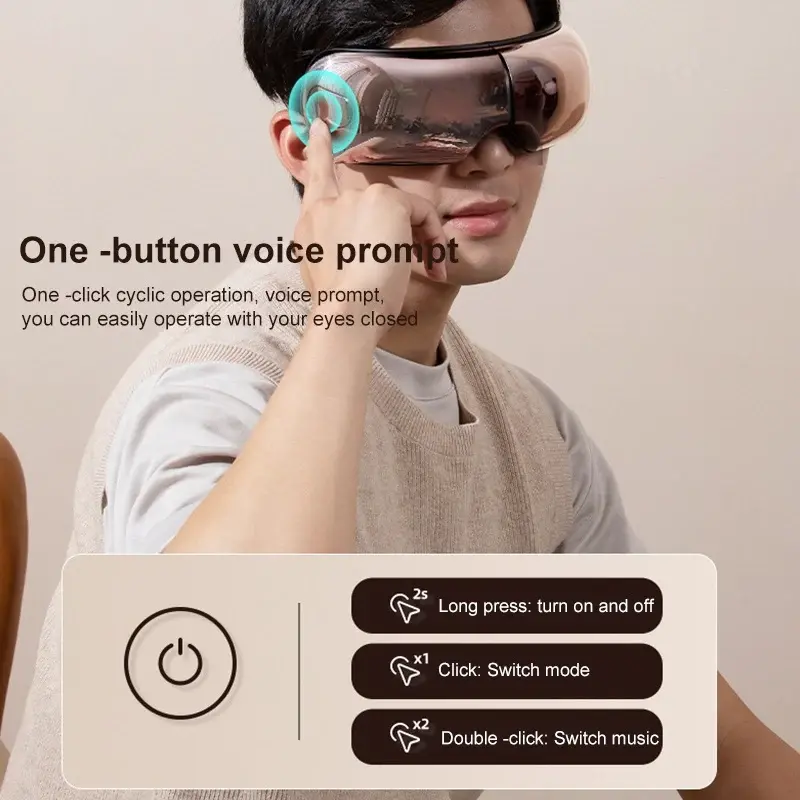
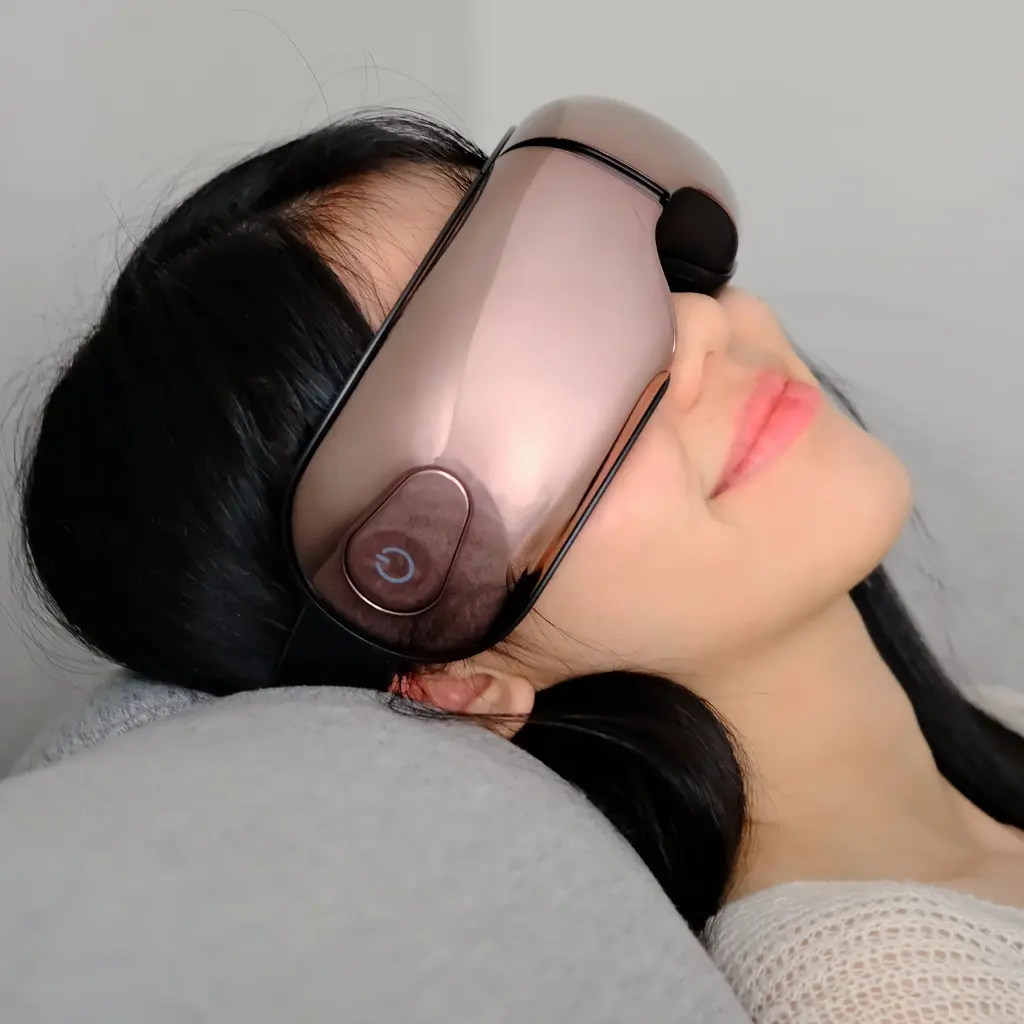
Charge the device first Use the USB/Type-C charging cable and charge it fully before first use. Similar eye massagers usually show a red light while charging and a white/steady light when full. Remove glasses or contact lenses Do not use it while wearing contact lenses or eyeglasses. Wear the massager correctly Place the soft padded side over your eyes and adjust the strap so it is comfortable. It should not press too tightly on the eyes. Turn it on Press and hold the power button for about 2 seconds. Choose the massage mode Short-press the power/mode button to switch between modes. Common modes include air pressure, vibration, hot compress, relaxation/sleep mode, and automatic mode. Use Bluetooth music if available Turn on Bluetooth on your phone, search for the eye massager name, connect, then play relaxing music. Some models support built-in music or Bluetooth audio. Relax for one session Most similar models run for about 15 minutes per cycle and then stop automatically. Turn it off after use Press and hold the power button again, then store it in a clean dry place.
Customer Reviews
Share your experience with this product
Your Dynamic Snippet will be displayed here...
This message is displayed because youy did not provide both a filter and a template to use.