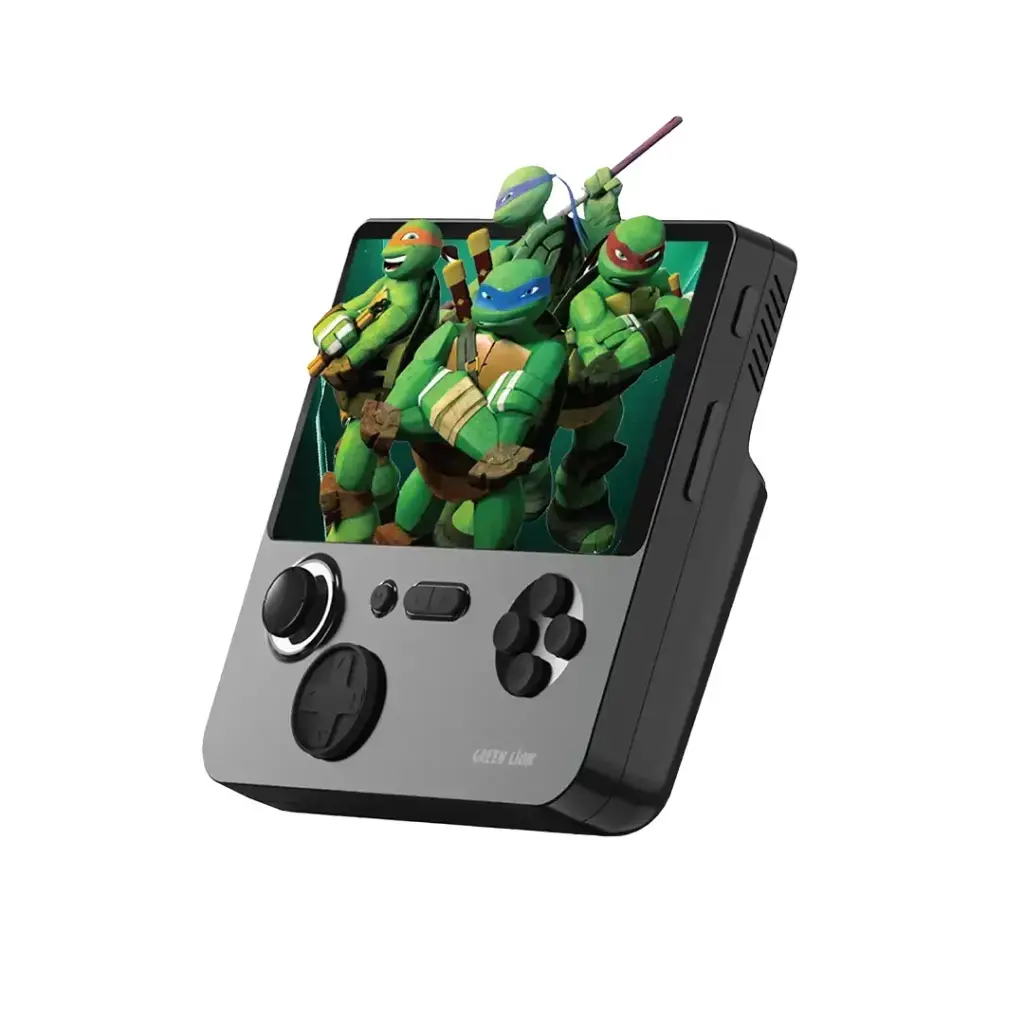
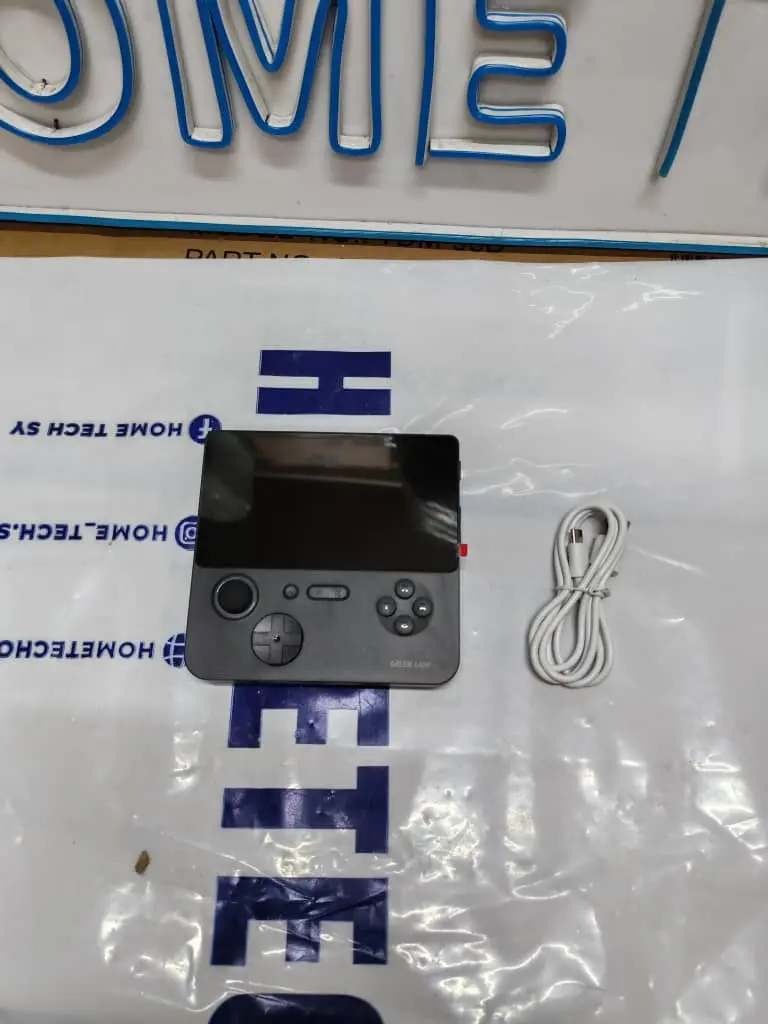
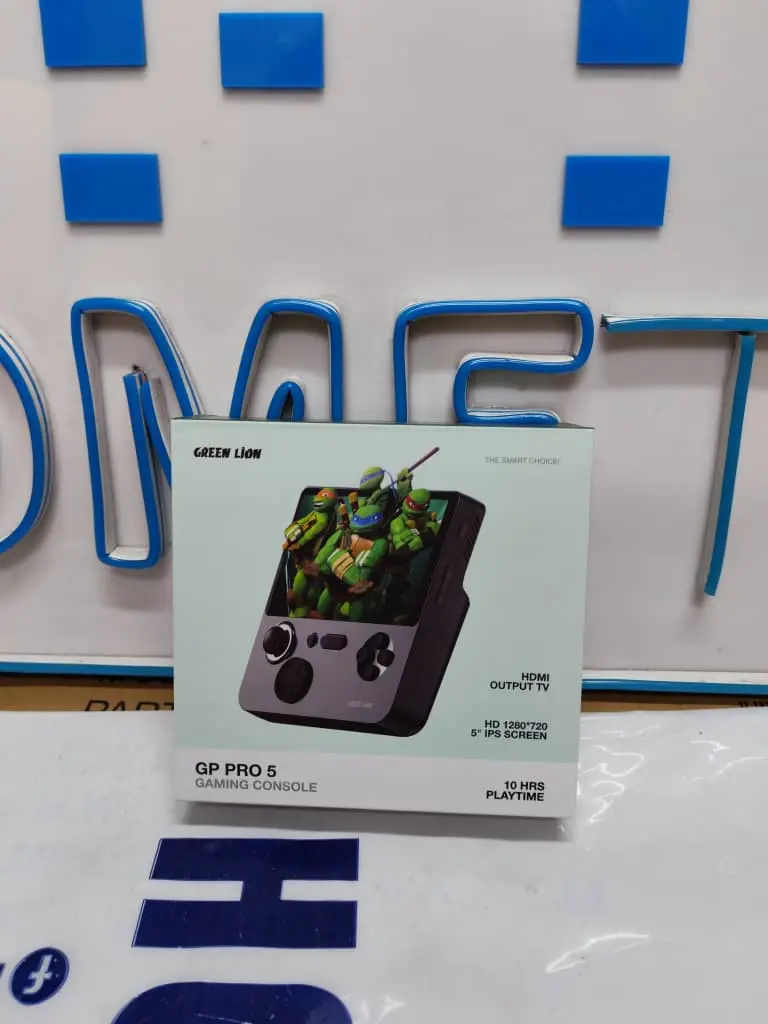
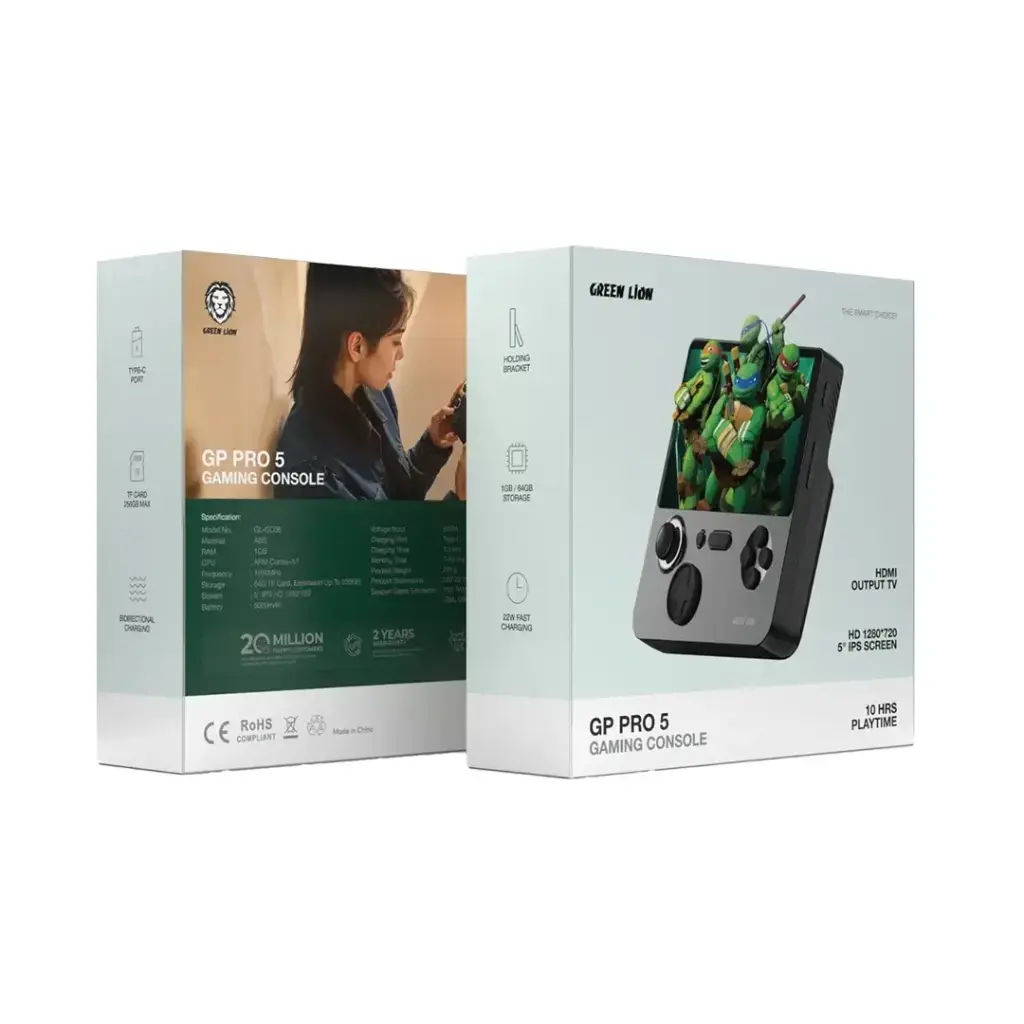
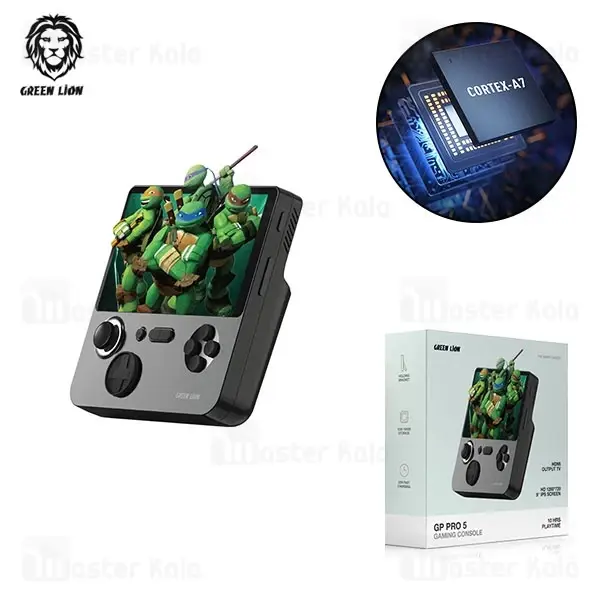
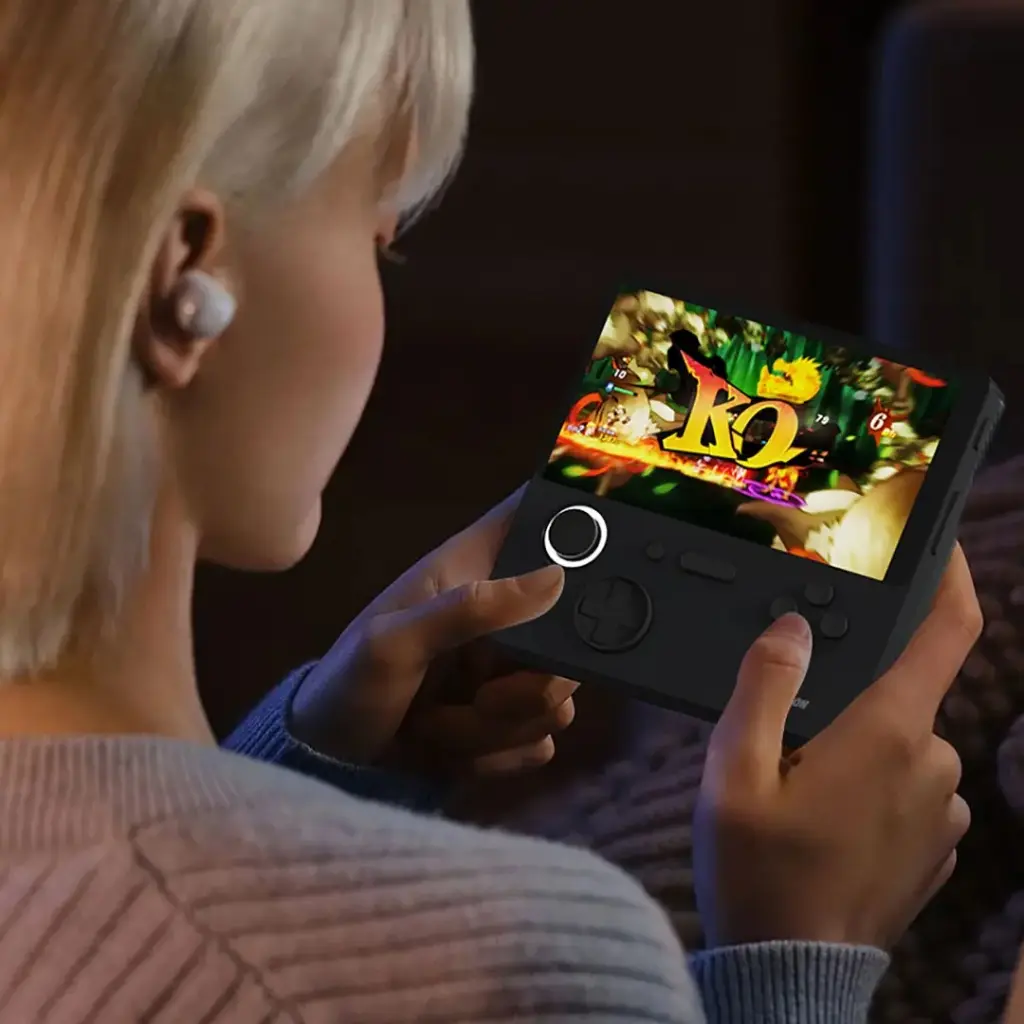
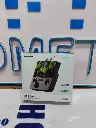
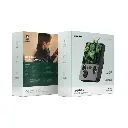
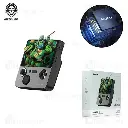

Green Lion GP PRO 5 E5 Handled Game Console - Black gngppro5bk
Home Tech
All product details are clearly stated.
Product Overview
Product Description
Nevertheless, the Green Lion GP PRO 5 E5 serves as a portable gaming platform designed for enthusiasts of classic games, seamlessly blending stylish design with robust functionality. This smart device features a high-definition 5-inch IPS display, delivering an immersive visual experience that brings the stories of retro games to life with excellent quality. The device allows you to enjoy thousands of titles from various popular emulators, and even offers the ability to connect to a TV screen via an HDMI port for an enhanced gaming experience on a larger display. Thanks to its high-capacity battery—which supports fast charging—this innovative device ensures hours of uninterrupted gameplay.
Technical Specs
Technical specifications
Screen Size: 5-inch IPS HD, with a resolution of 1280 × 720 pixels.
Processor: ARM Cortex-A7, clocked at 1000 MHz.
RAM: 1 GB.
Internal Storage: 64 GB memory card (expandable up to 256 GB).
Battery Capacity: 5000 mAh.
Continuous Playtime: 7 to 10 hours.
Charging Speed: 22W fast charging via a Type-C port, with support for reverse charging.
Emulator Support: Supports games for PS1, MAME, GBA, SFC, NEOGEO, and others.
How To Use
How to use
Powering On and Game Selection: Press and hold the Power button to turn on the device. Then, use the joystick or directional buttons to navigate through the available emulator menus and select your desired game by pressing the Confirmation button. TV Experience (Optional):If you wish to play on a larger screen, connect an HDMI cable from the port located at the top of the device to your TV screen. Then, select the appropriate input source on your TV to display the game directly. Saving Progress: While playing, you can press the dedicated Menu button to access the internal emulator settings. This allows you to save your game progress (Save State), enabling you to resume from that exact point later without losing your advancement. Charging and Powering Off: Once you have finished playing, first exit the game to ensure the integrity of the system files. Then, turn off the device by pressing and holding the Power button. Charge the device using a Type-C cable whenever a low battery alert appears.
Customer Reviews
Share your experience with this product
| Brand: Green lion |
Your Dynamic Snippet will be displayed here...
This message is displayed because youy did not provide both a filter and a template to use.